
Image to Image AI
Convert your images into standout AI visuals within seconds. The workflow is smooth, the controls are simple, and the output looks refined.
Output
My Images
What is Image to Image AI?
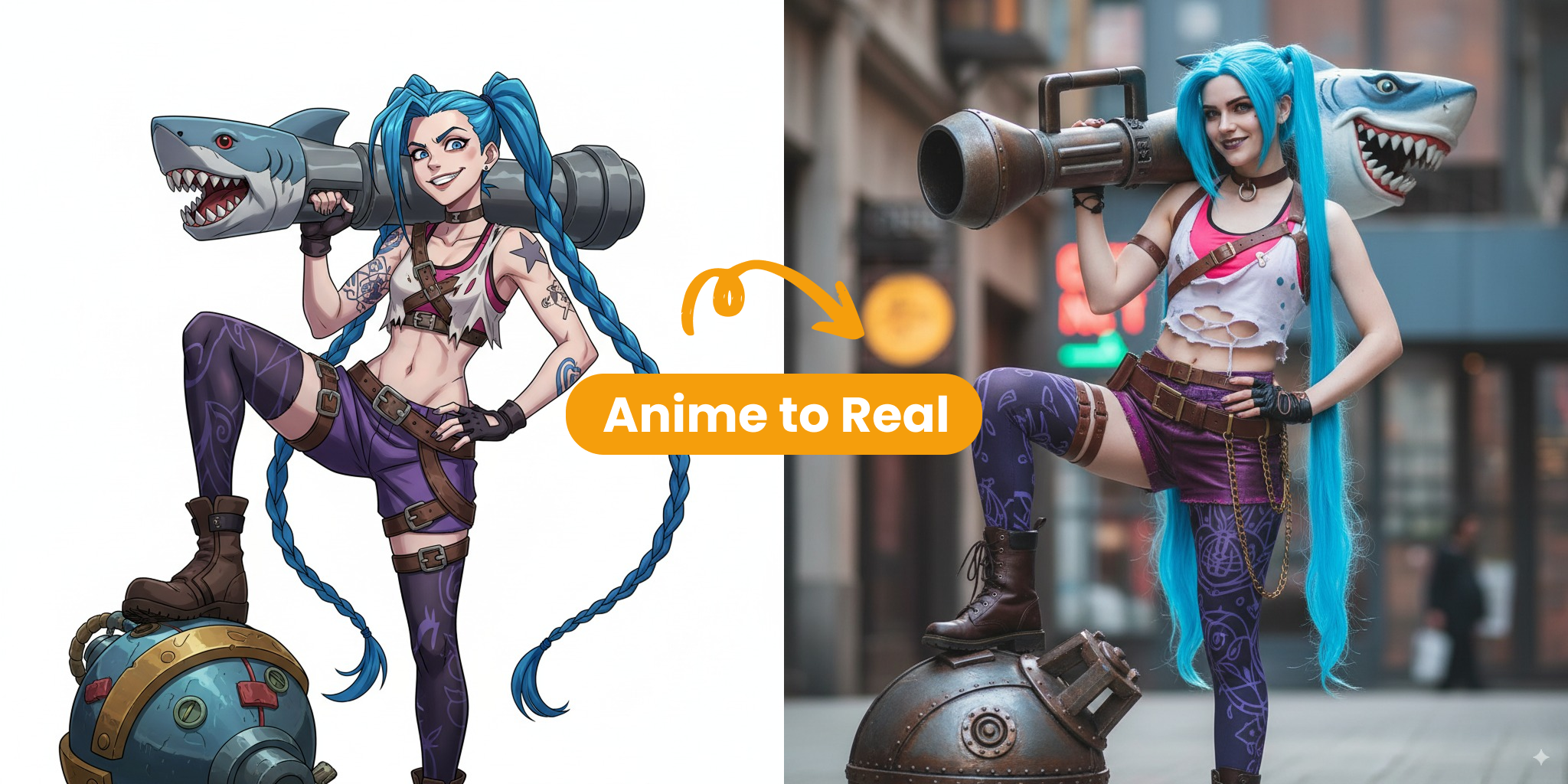
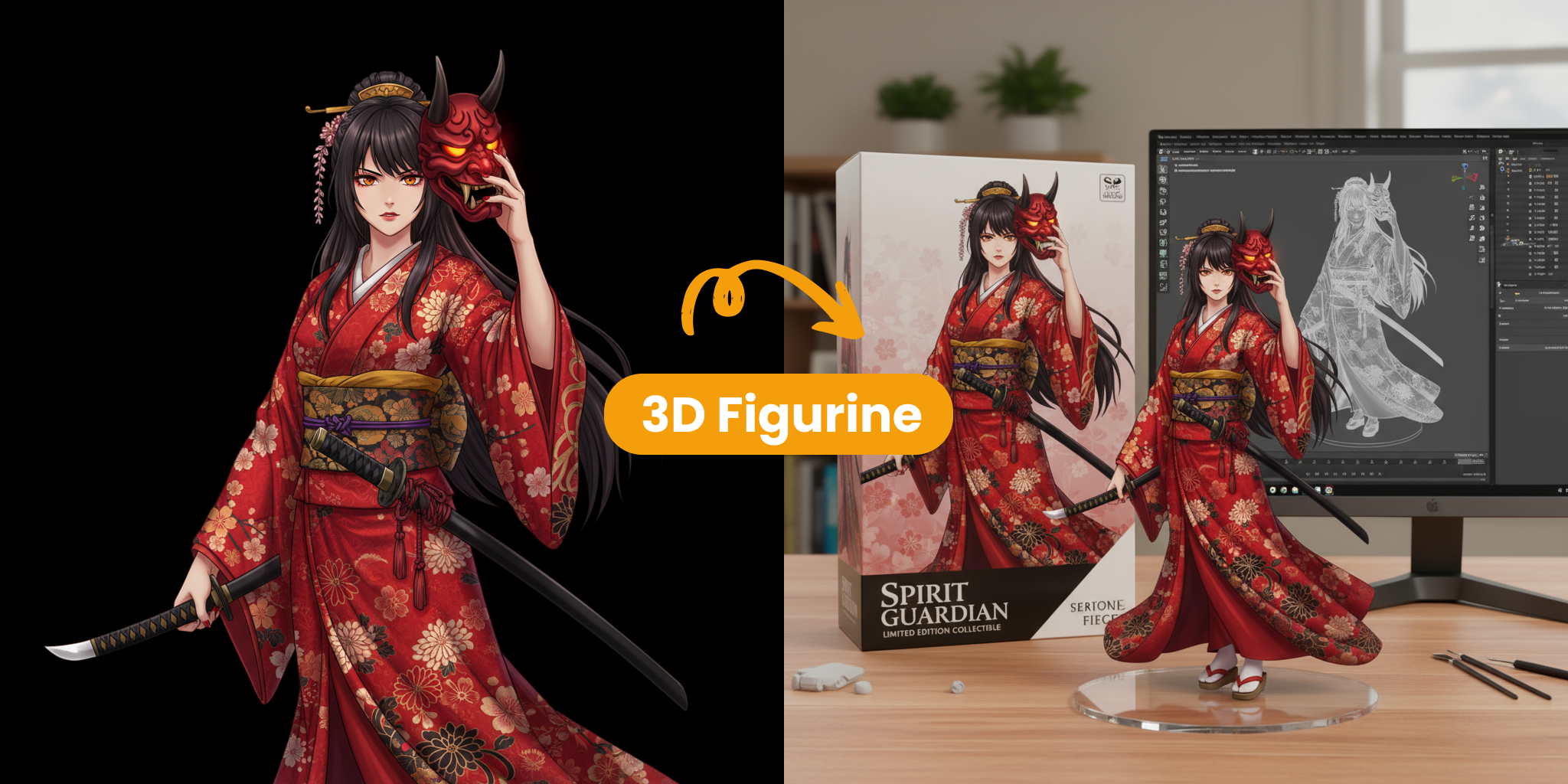
Image to Image AI is a creative image transformation method that starts from the photos you already have. By combining your original picture with a short prompt, the tool produces new versions that mix your source image with your intended direction.
- Smart TransformationsThe engine studies your photo’s structure and subject matter, then adds fresh styles or textures without losing the main composition.
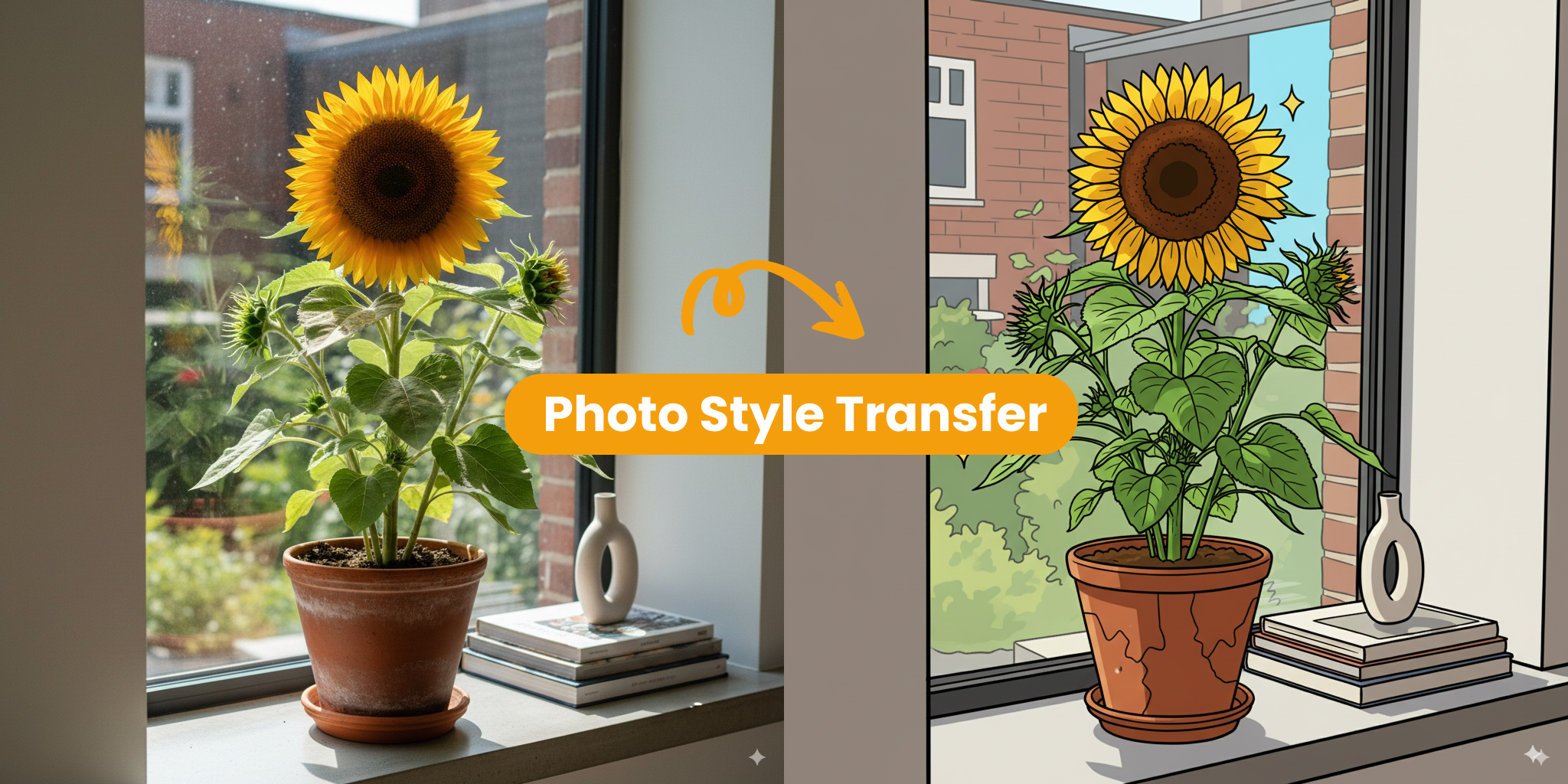
- Creative FlexibilityYou can reshape the atmosphere, style direction, or lighting feel of an image quickly, without depending on hard-to-use editing software.
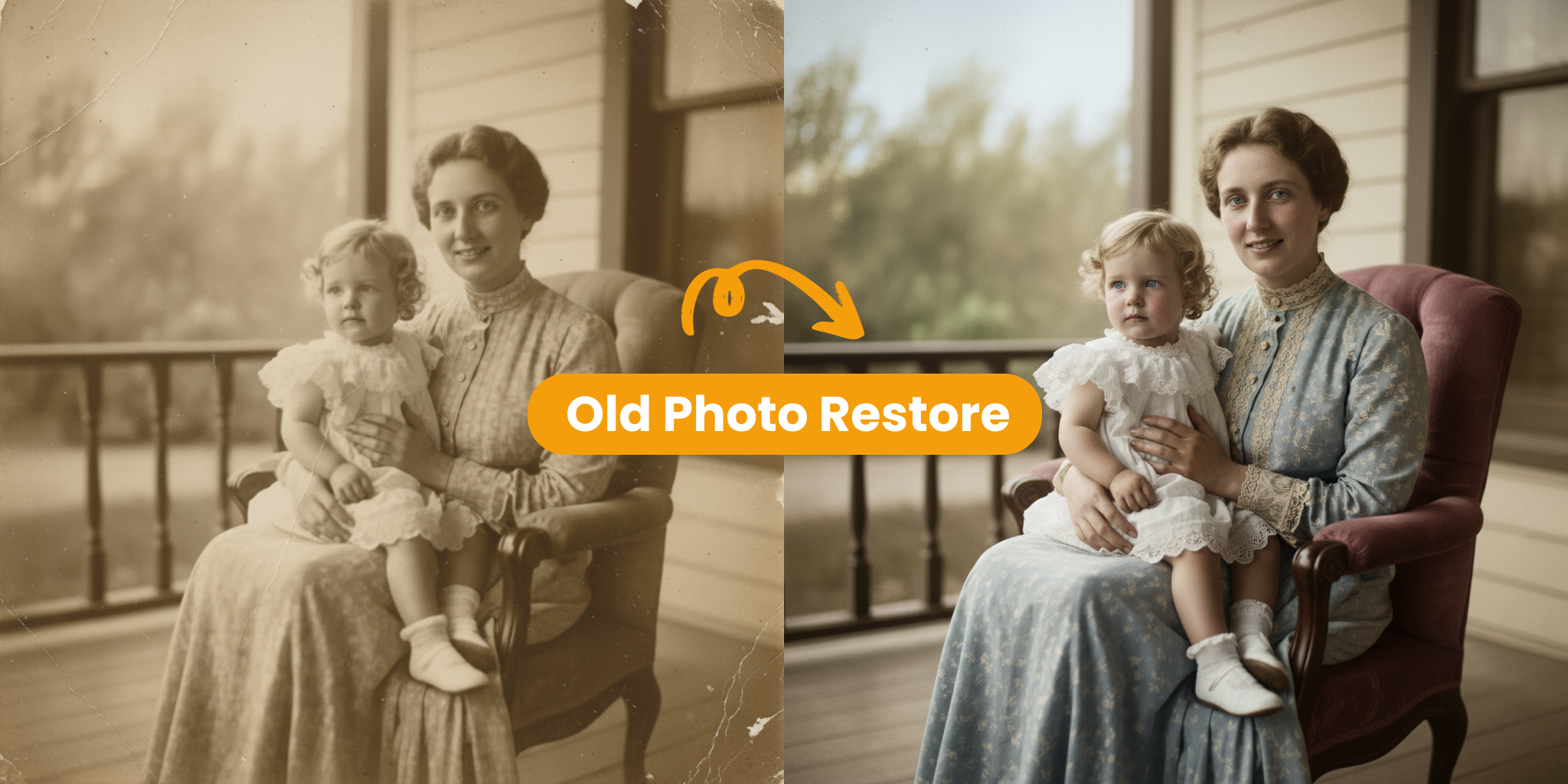
- High-Quality ResultsAdvanced neural models help each transformation come out looking unified, professional, and visually strong.
Main Benefits of Image to Image AI
Here’s why creators choose our technology when they want impressive visuals without a heavy workload:
Core Features of Image to Image AI
Explore the capabilities that make Image to Image AI a practical option for creating visual transformations with less effort:
High-Quality Visuals
Our models preserve fine detail and natural color balance, helping every transformation look clean and visually appealing.
Multiple Style Options
Generate images in many visual styles, from realistic photography to painterly treatments, with flexible preset options.
Smart Scene Analysis
The engine reads the layout and depth of the original image so every new version keeps a believable and consistent composition.
Simple User Controls
An easy-to-use dashboard lets you control transformation strength without requiring professional editing knowledge.
Flexible Export Formats
Export completed artwork in widely used high-quality formats, ready for sharing or immediate project use.
Fast Processing
High-performance servers process each request rapidly, so you get dependable output every time you generate.
How to Use Image to Image AI
You can transform your photos with our intuitive tool in only three easy steps.
Upload Your Source Photo
First, upload your source image. Sharp, high-quality photos usually lead to stronger final results.
Write a Detailed Prompt
Explain the transformation you want. More specific instructions help Image to Image AI follow your intended direction more closely.
Generate and Save
Click generate to begin the Image to Image AI process. Within seconds, your new variations will be ready to download and use.
What Creators Say
Comments from professionals who use Image to Image AI to improve the way they create.
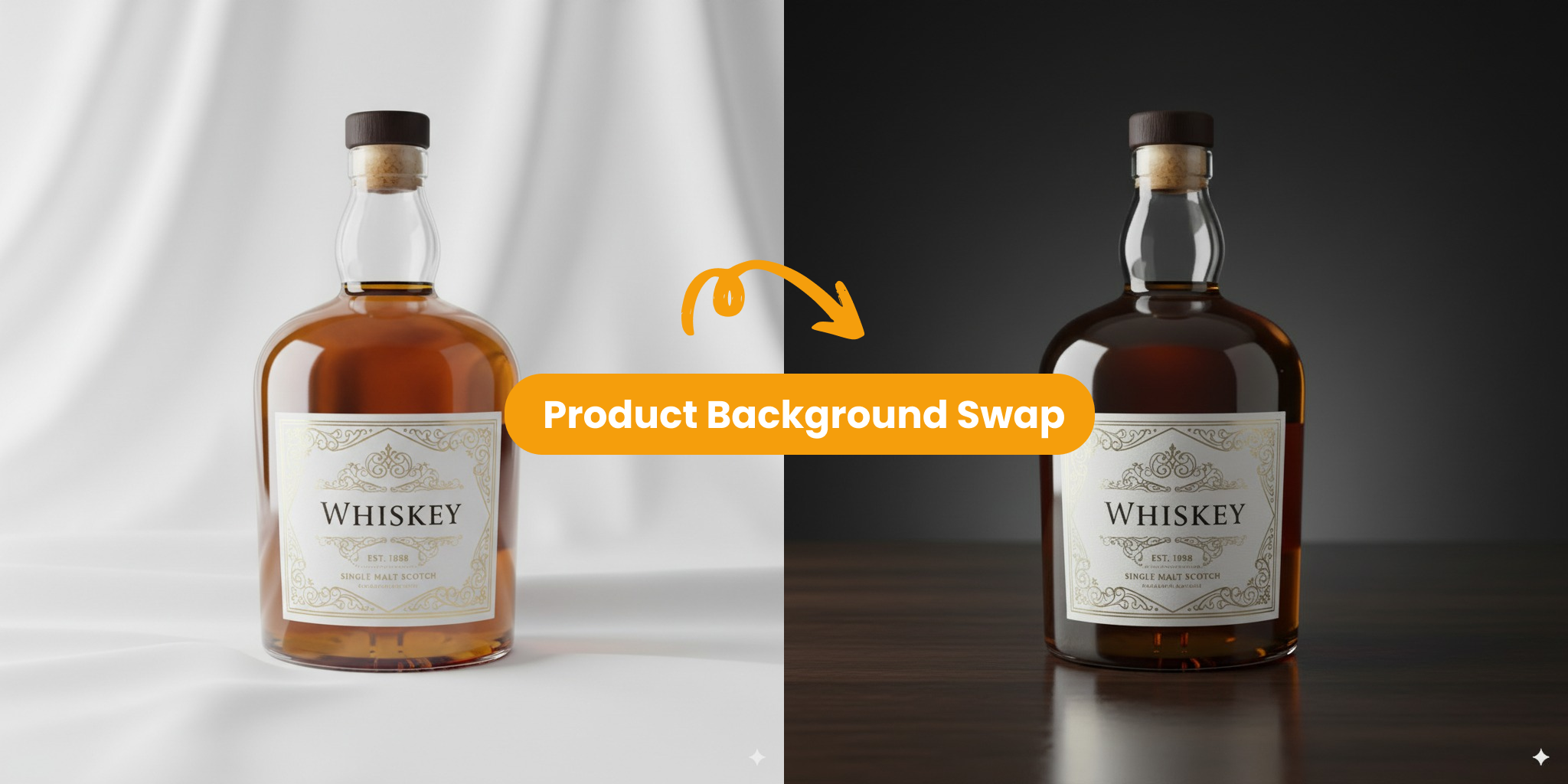
Fast Variations with Image to Image AI
“Image to Image AI lets me explore multiple artistic directions for my photos extremely fast. I can upload an idea and receive several variations in seconds, which keeps my workflow moving smoothly.”
- Preserve the main structure of the original photo while introducing fresh styles.
- Cycle through different visual directions quickly until the right one appears.
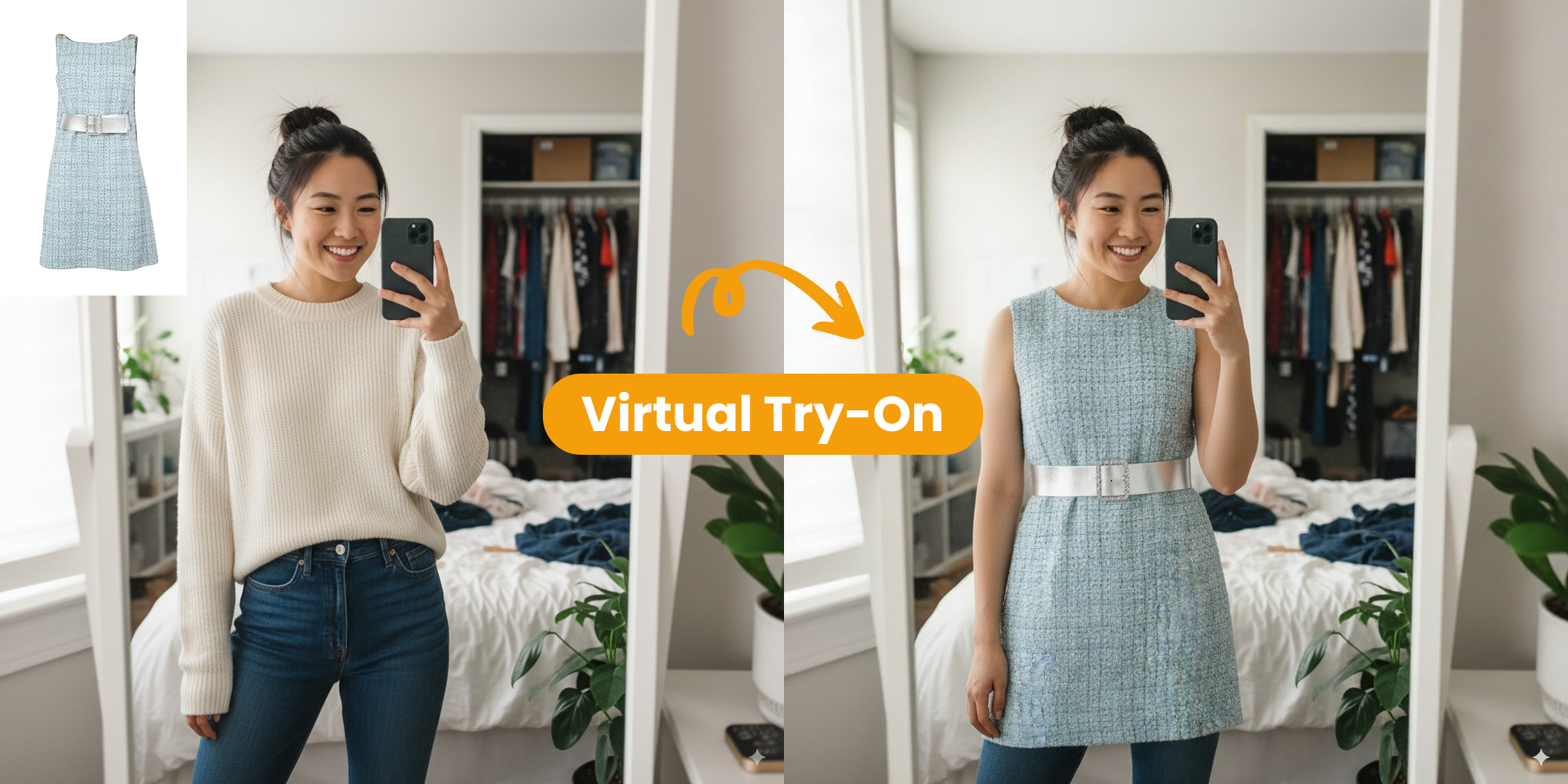
Consistent Visuals Across Every Project
“Image to Image AI makes it much easier for our team to stay visually consistent. We begin with branded base images and use short prompts to create new variations that still match the same visual language, saving us hours of hands-on work.”
- Keep visual assets and social content aligned under one cohesive look.
- Reduce time and resource costs by adapting existing images instead of rebuilding everything.
Creating Stunning Visuals with Image to Image AI
The tool relies on advanced neural networks to keep each transformation detailed, consistent, and visually striking.
Artistic Styles
Versatile
Try a broad selection of creative looks and artistic aesthetics with our Image to Image AI technology.
User Feedback
Excellent
Creators and designers across the world rely on it for dependable, high-quality Image to Image AI output.
Creation Speed
Very Fast
Image to Image AI is well regarded for making advanced transformations fast and easy to approach for different users.
What Our Users Say
See how developers and creative teams apply Image to Image AI to transform images and speed up production.
David C.
Content Creator
Image to Image AI reshaped the way I work. My social posts now look polished and professional without requiring a large budget.
Rachel K.
Game Developer
Trying out new game art is much simpler now. Image to Image AI helps us build visual concepts in a few hours instead of spending weeks.
Marcus T.
AI Researcher
Among the tools we tested, Image to Image AI stood out most for consistency and detail. It was also simple to fit into our existing pipeline.
Sofia G.
Content Producer
Producing multiple scene variations is far faster now. Image to Image AI keeps the quality level high across all of our project assets.
James W.
Creative Director
Our team now moves through design iterations much faster. Image to Image AI helps us visualize ideas and present them to clients almost immediately.
Anna Z.
VA Developer
Building realistic avatars for virtual assistants is much easier now. Image to Image AI gives us strong character results that look professional right away.
Common Questions about Image to Image AI
These quick answers explain how Image to Image AI works. Contact us if you need additional help.
What is Image to Image AI?
Image to Image AI is a tool that takes an existing photo and uses your instructions to create a new version with artificial intelligence.
Why should I use Image to Image AI?
It offers more control than text-only tools. You can keep the layout of your original photo while testing new styles and alternate versions.
How can I get started with Image to Image AI?
Upload a clear photo, add a short description of the changes you want, and click generate. The Image to Image AI tool will take care of the rest.
Where can I learn more about Image to Image AI?
You can read our tutorials and community guides to find best practices and ideas for your next Image to Image AI project.
What makes Image to Image AI different from other tools?
Unlike standard AI tools that start from nothing, Image to Image AI uses your own photo as a reference, making it easier to reach the result you want.
Can I tailor the visual style?
Yes. Image to Image AI can adjust color, art style, lighting, and mood while preserving the original composition of the image.