
Nano Banana 2
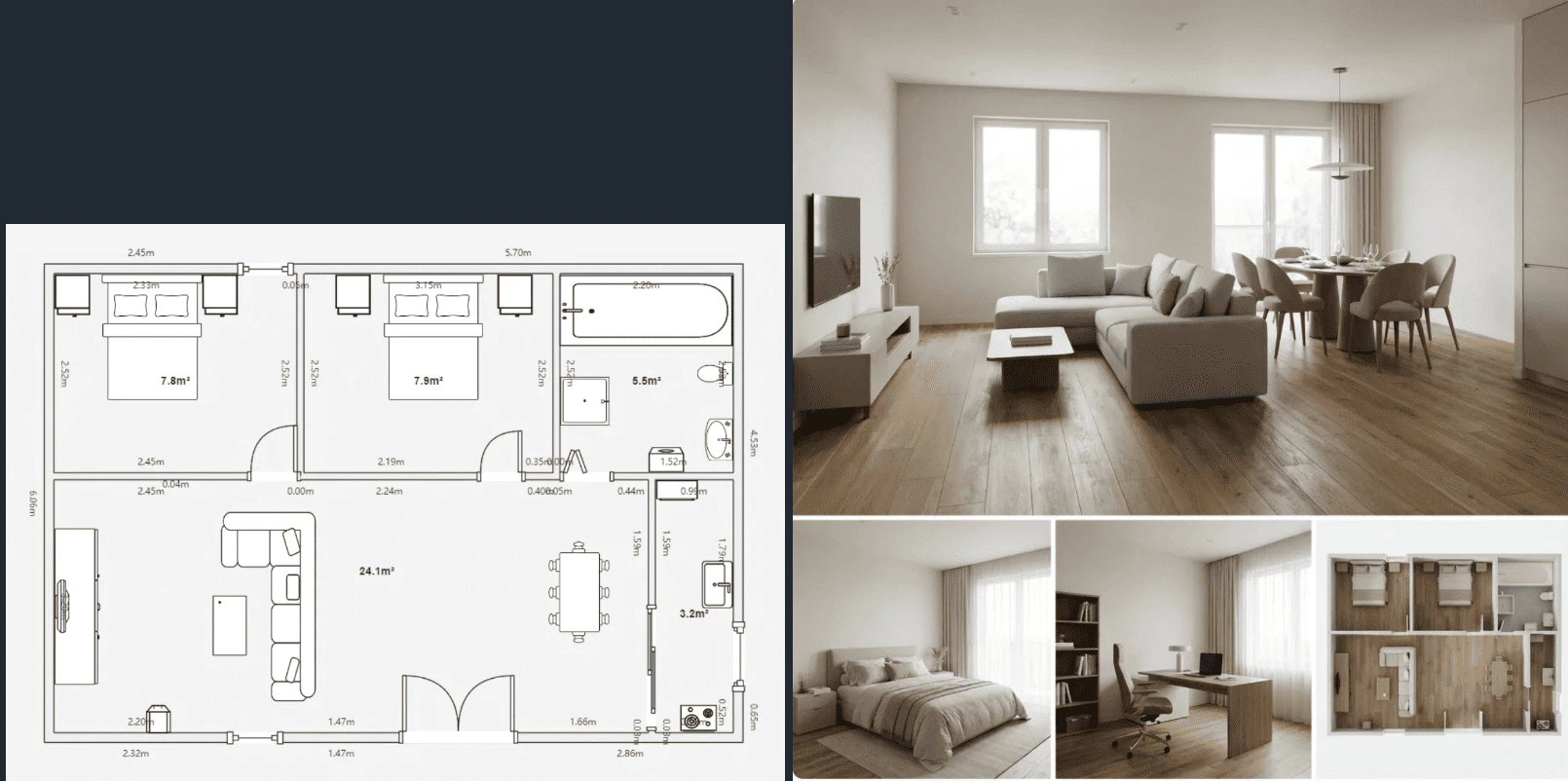
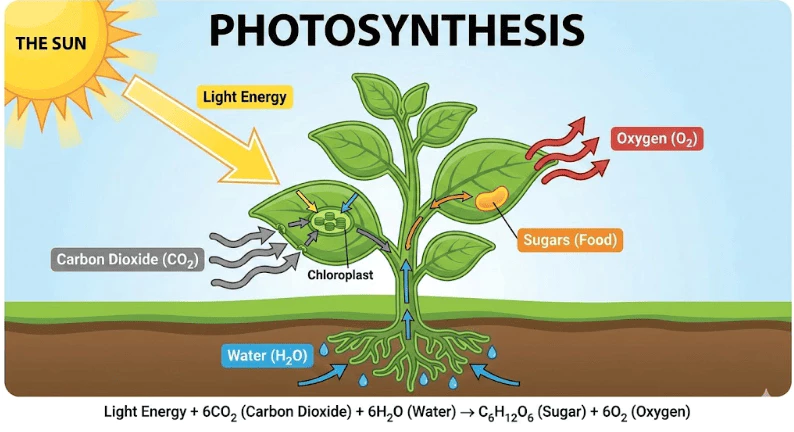
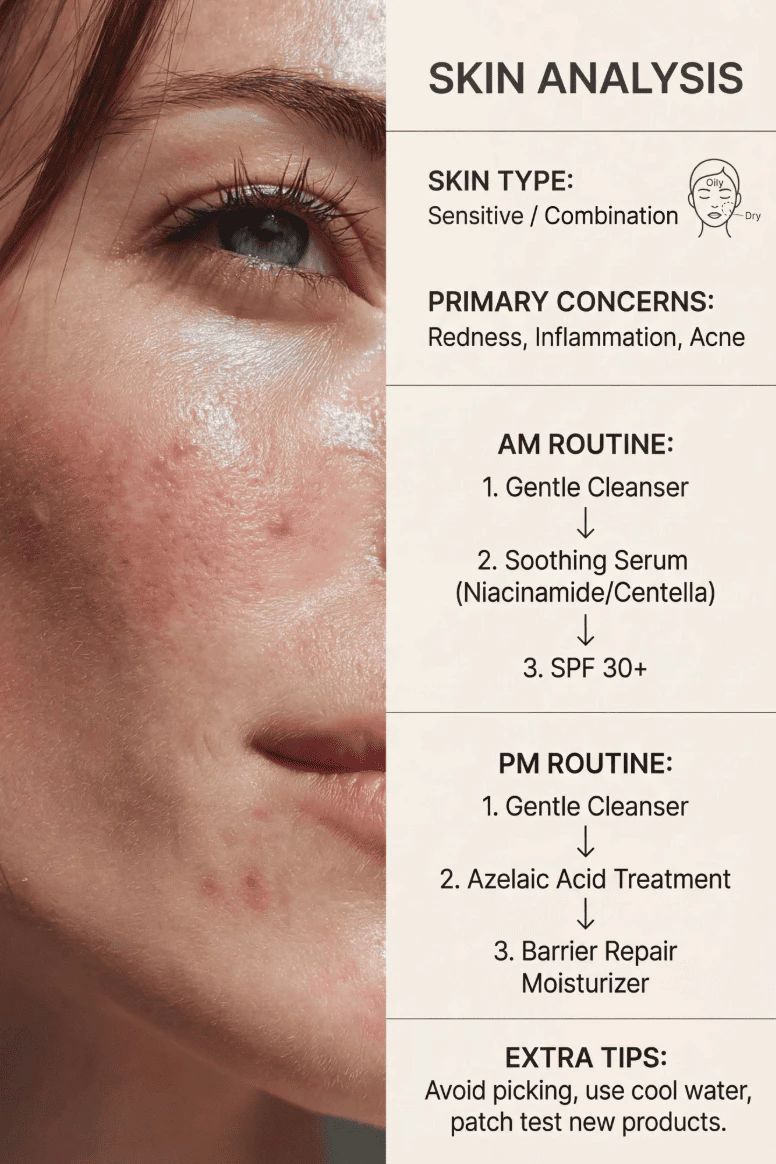
Reshape your images with straightforward text instructions. Nano Banana 2 preserves character identity and merges edits into each scene smoothly, helping you land professional-looking output on the first attempt.
Supported formats: JPEG, PNG, WEBP · Maximum file size: 30MB · Maximum files: 14
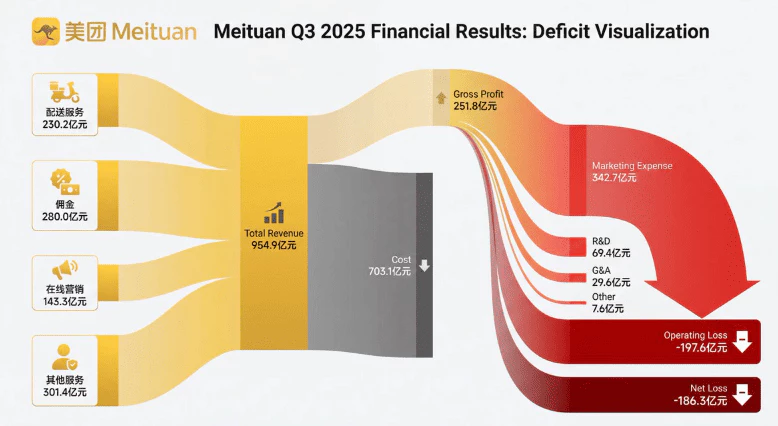
Use Google Web Search grounding to generate images based on real-time information.
Output
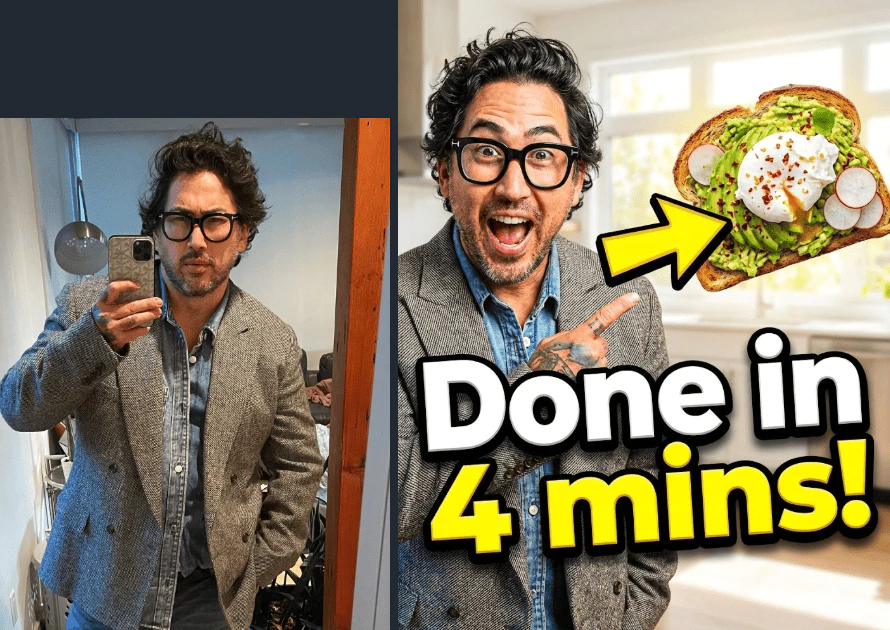
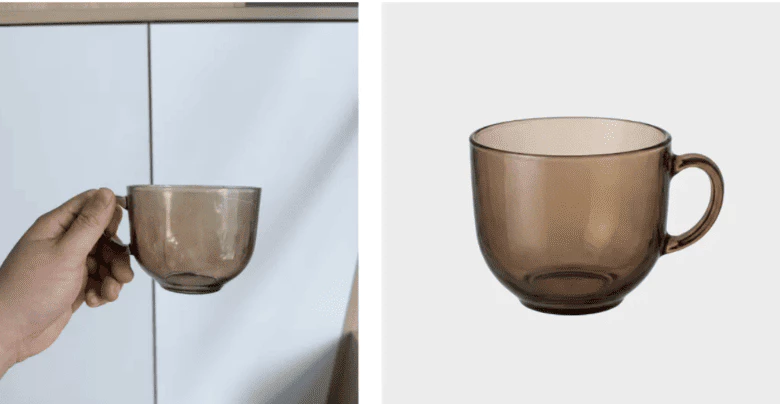
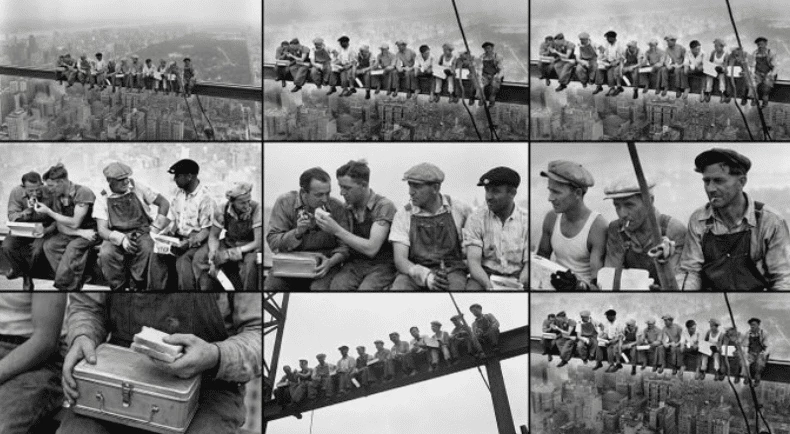
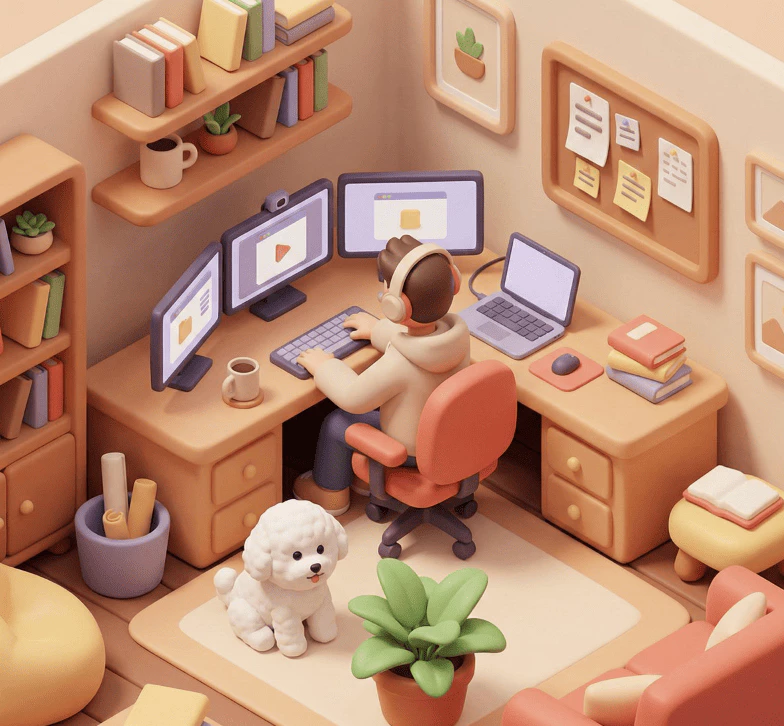
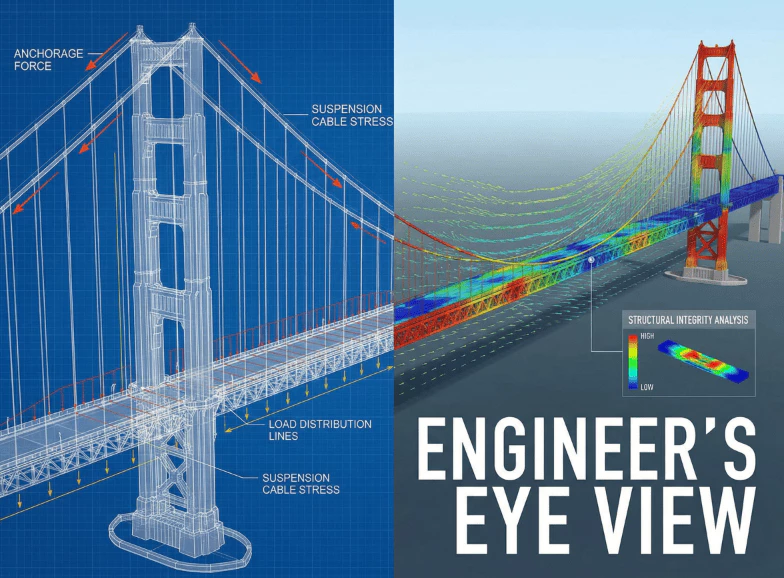
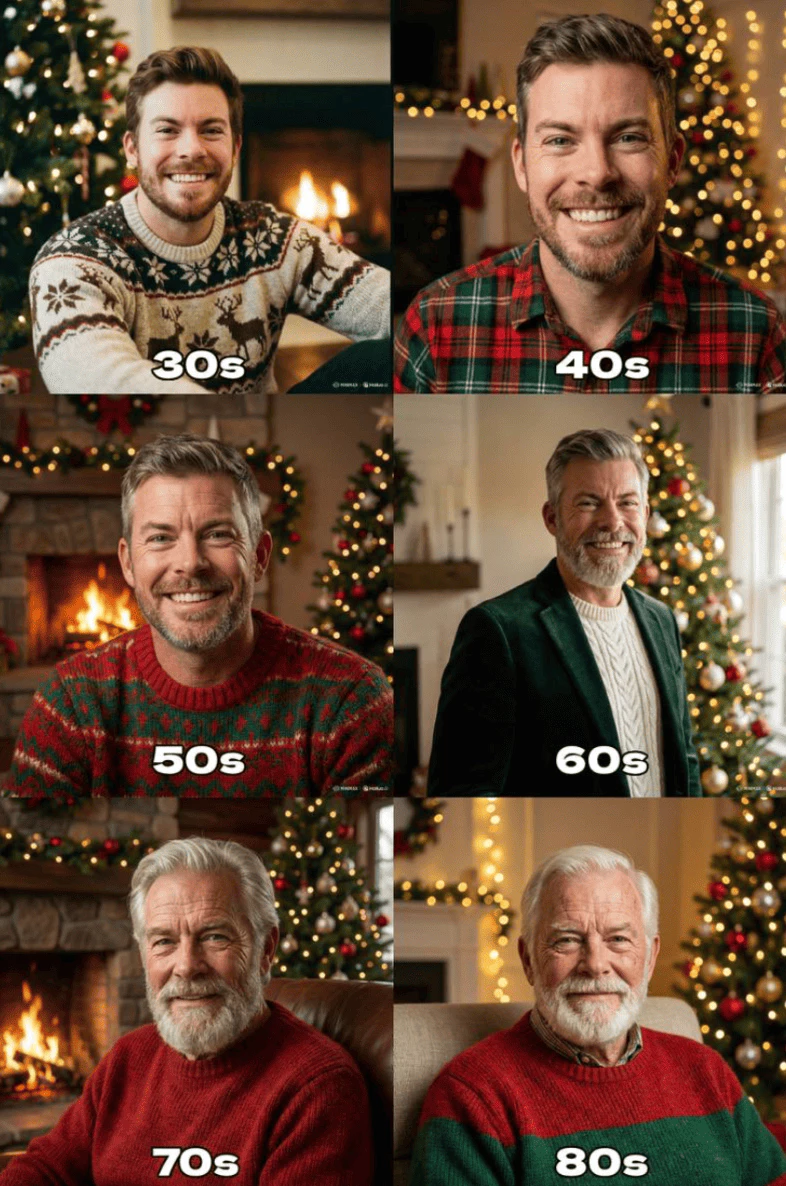
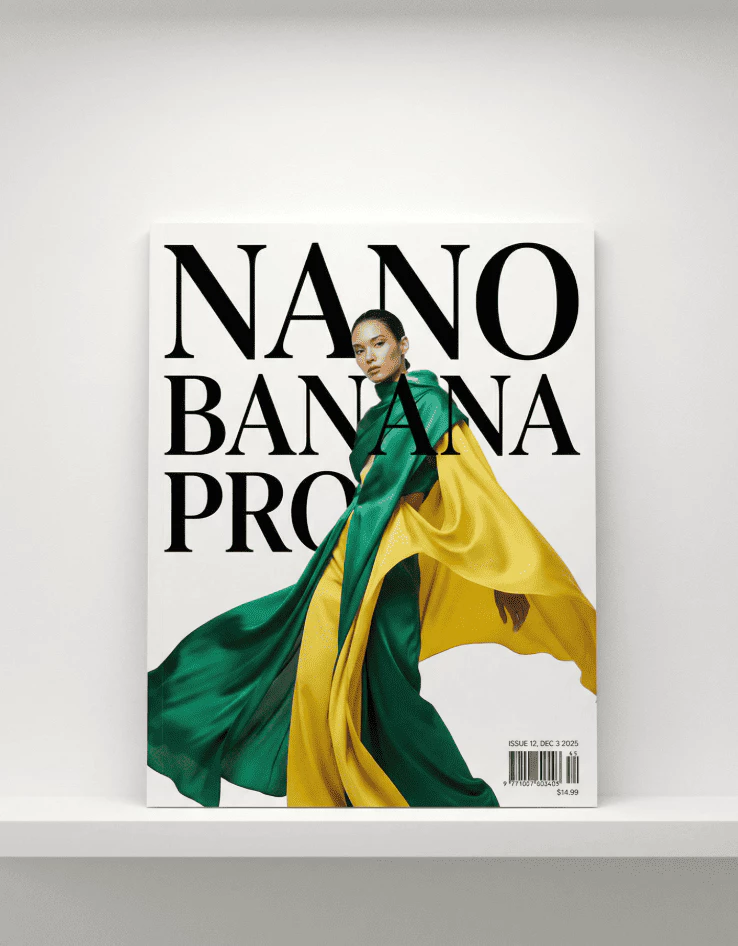
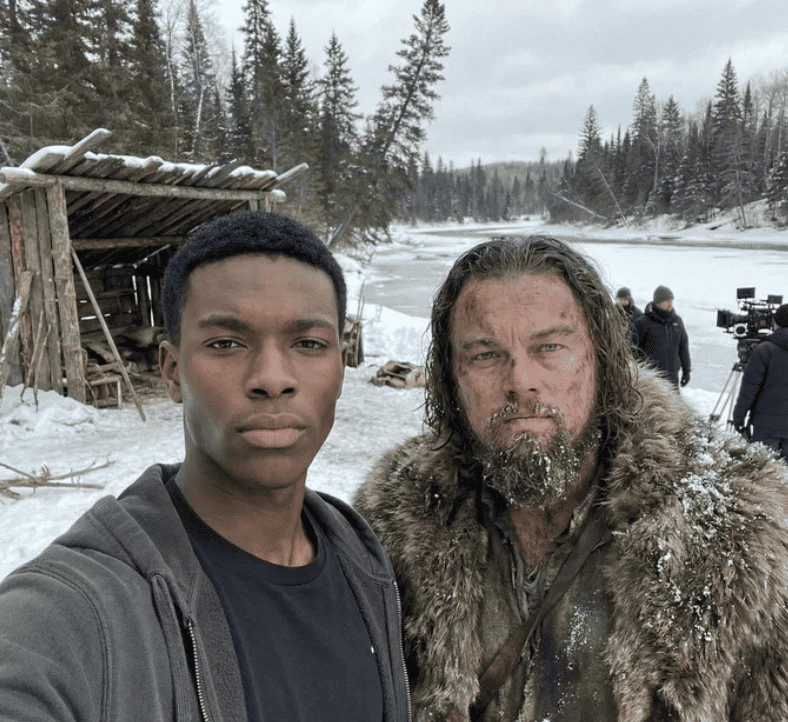
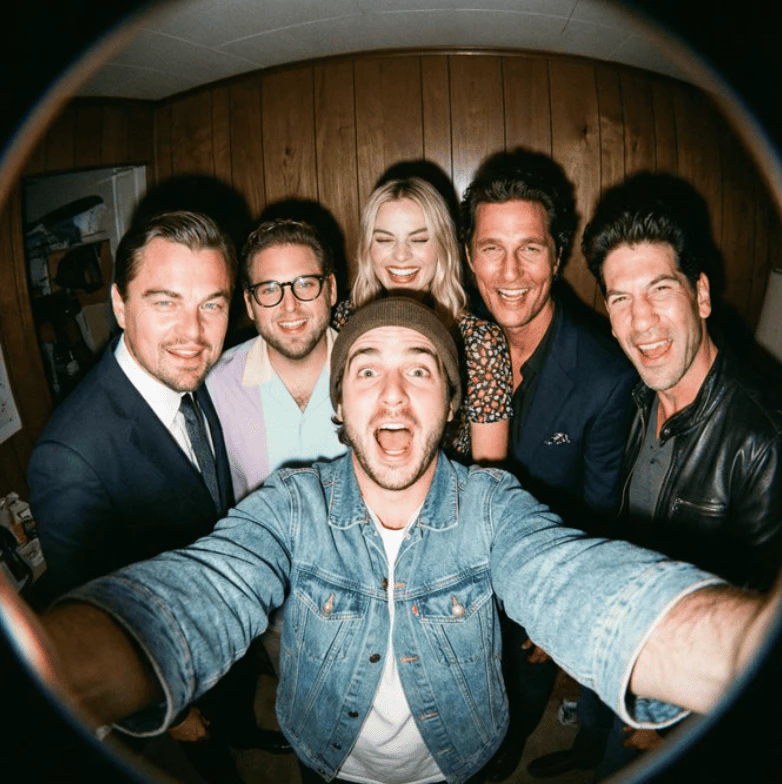
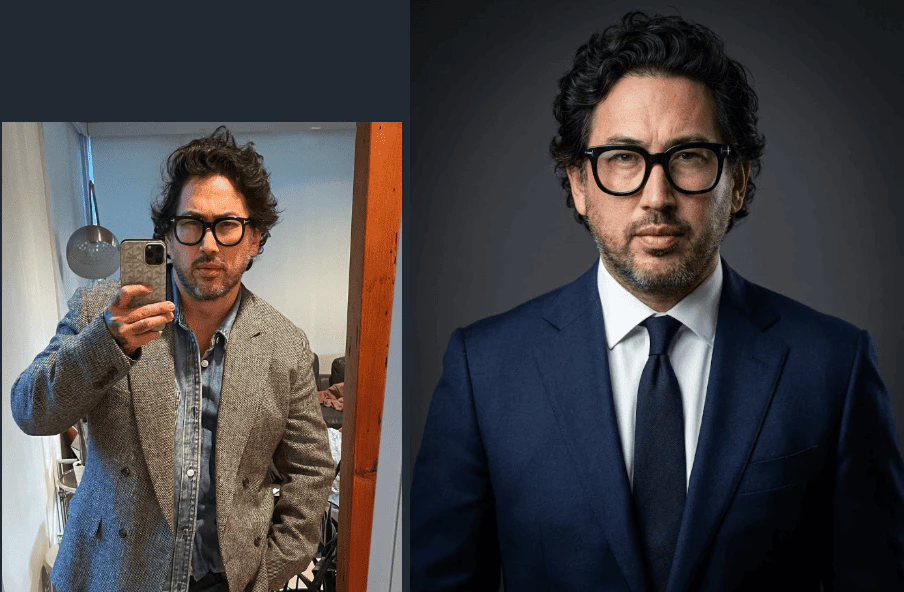
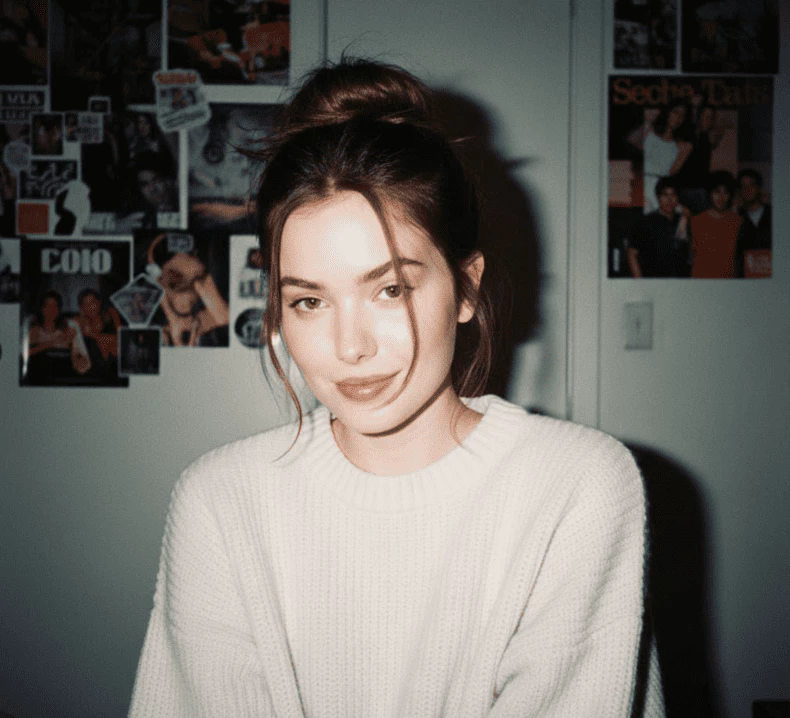
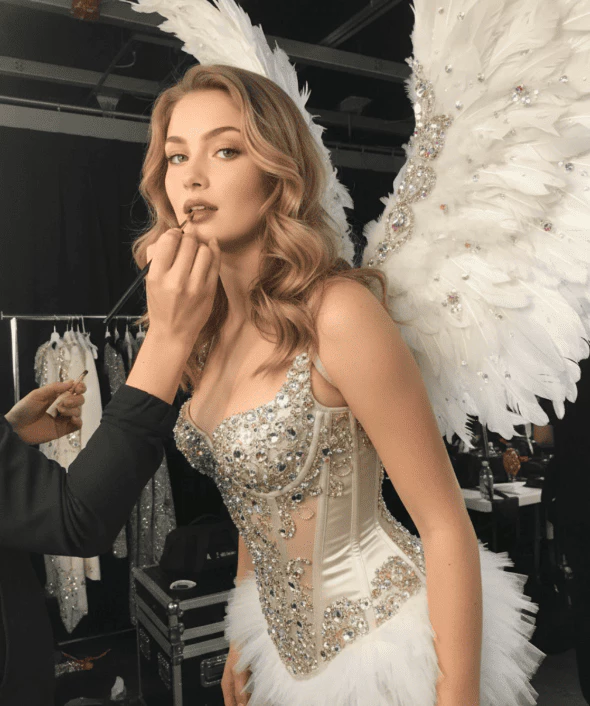
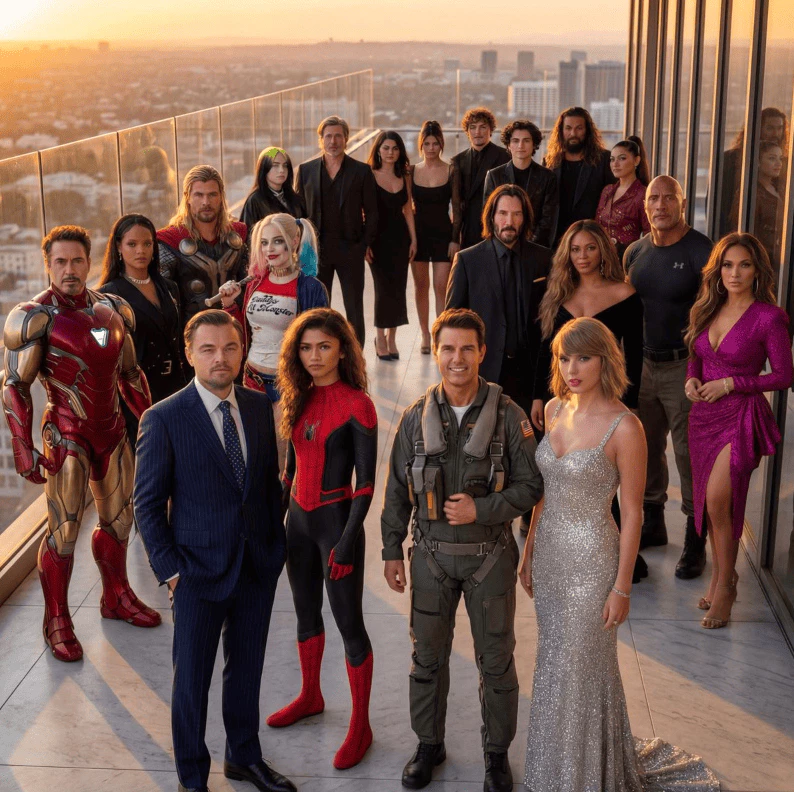
My Images
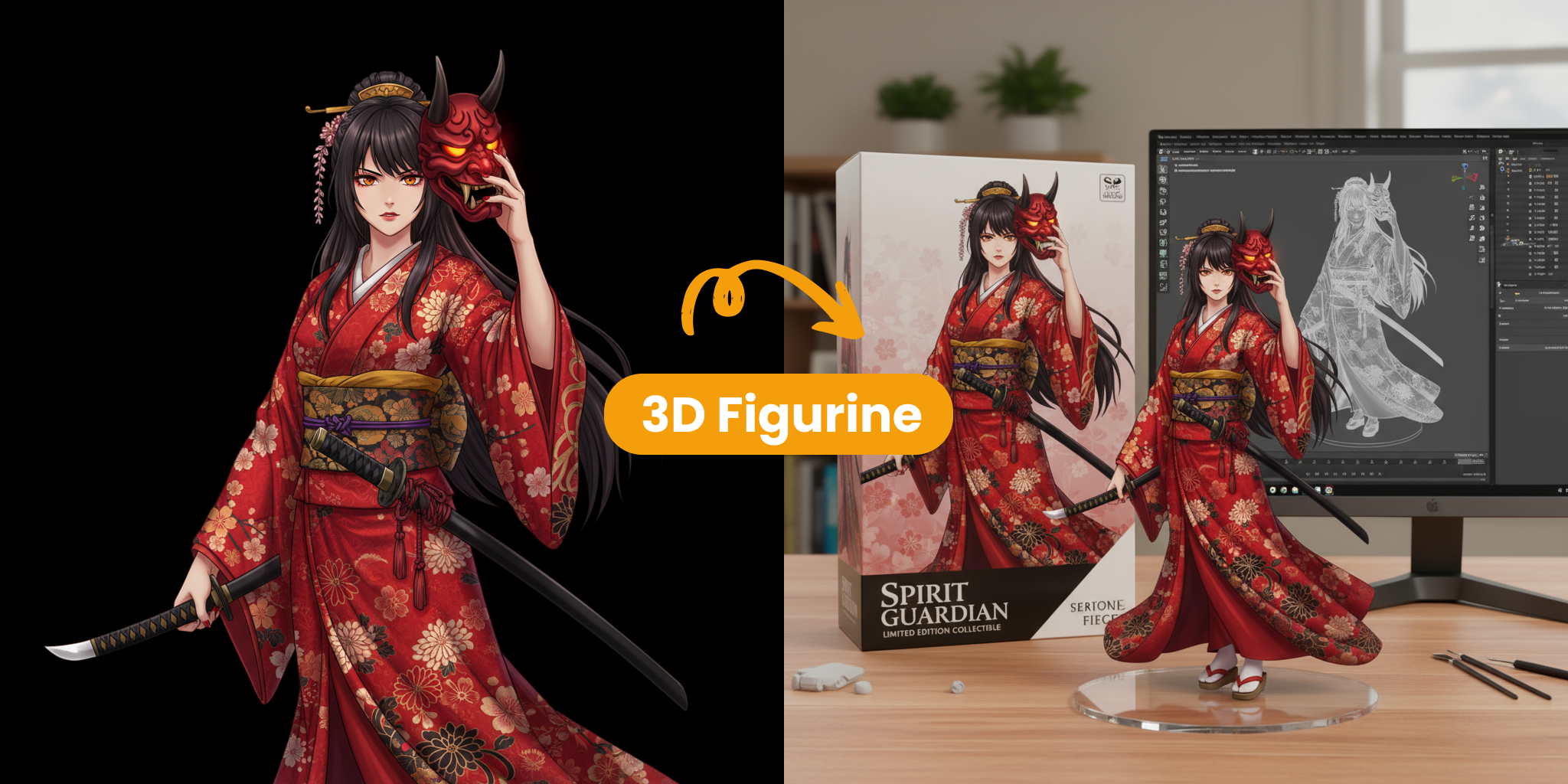
Key Features of Nano Banana 2
Nano Banana 2 brings together intuitive prompt editing and high-end visual upgrades, making it simple to reshape images with minimal effort.
- High-Quality Image RenderingGenerate crisp, detailed, and clean imagery suitable for client work, campaigns, and digital art production.
- Reliable Character ConsistencyMaintain the same facial traits and visual identity across multiple edits, which is useful for stories, games, and branded assets.
- Smart Text-Based EditingDescribe the change in plain language and Nano Banana 2 interprets the request quickly, applying edits that look natural right away.
Why Choose Nano Banana 2
Step into a more capable way to edit images with AI. Nano Banana 2 helps you make precise, accessible, and efficient creative changes.
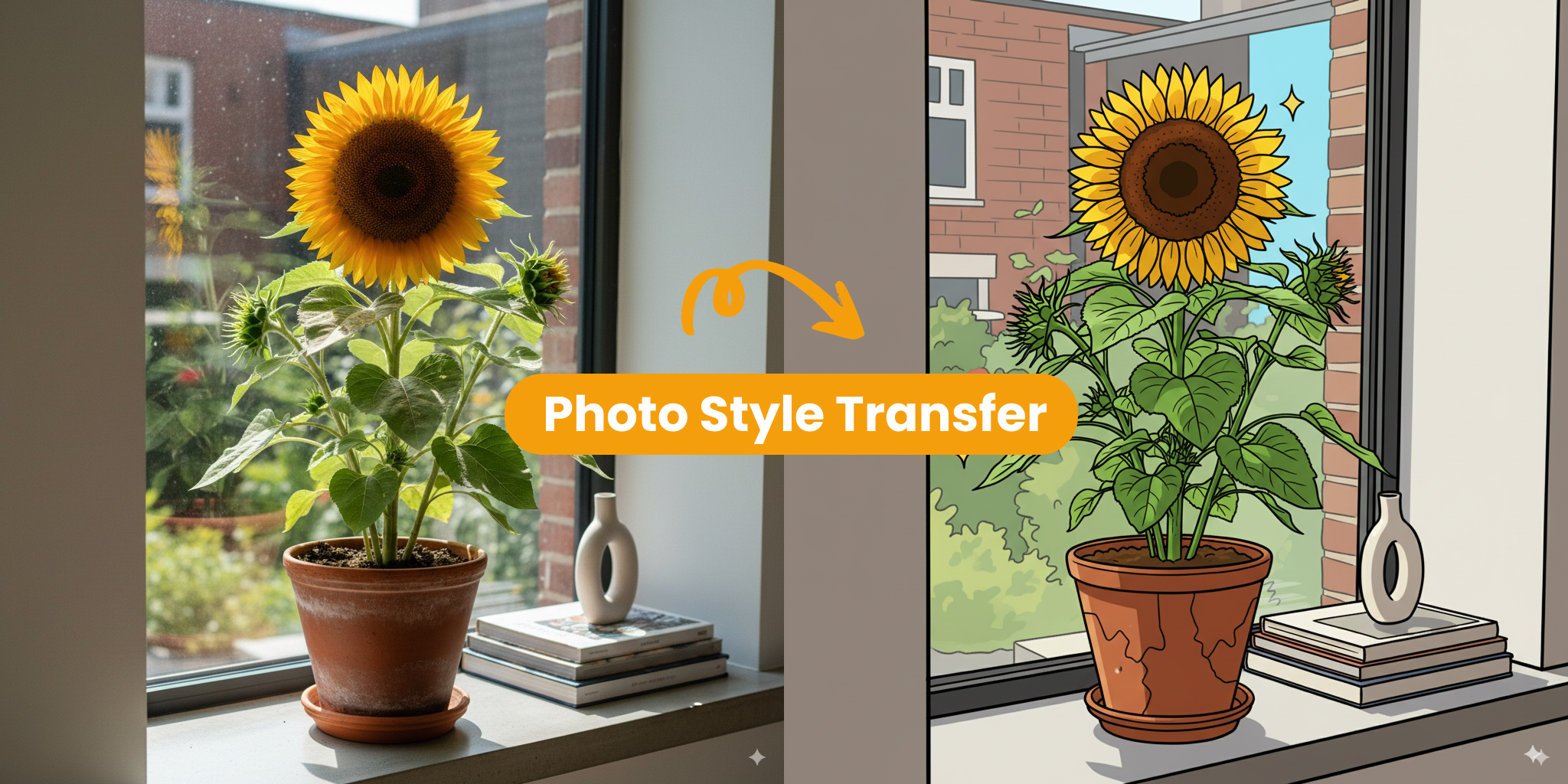
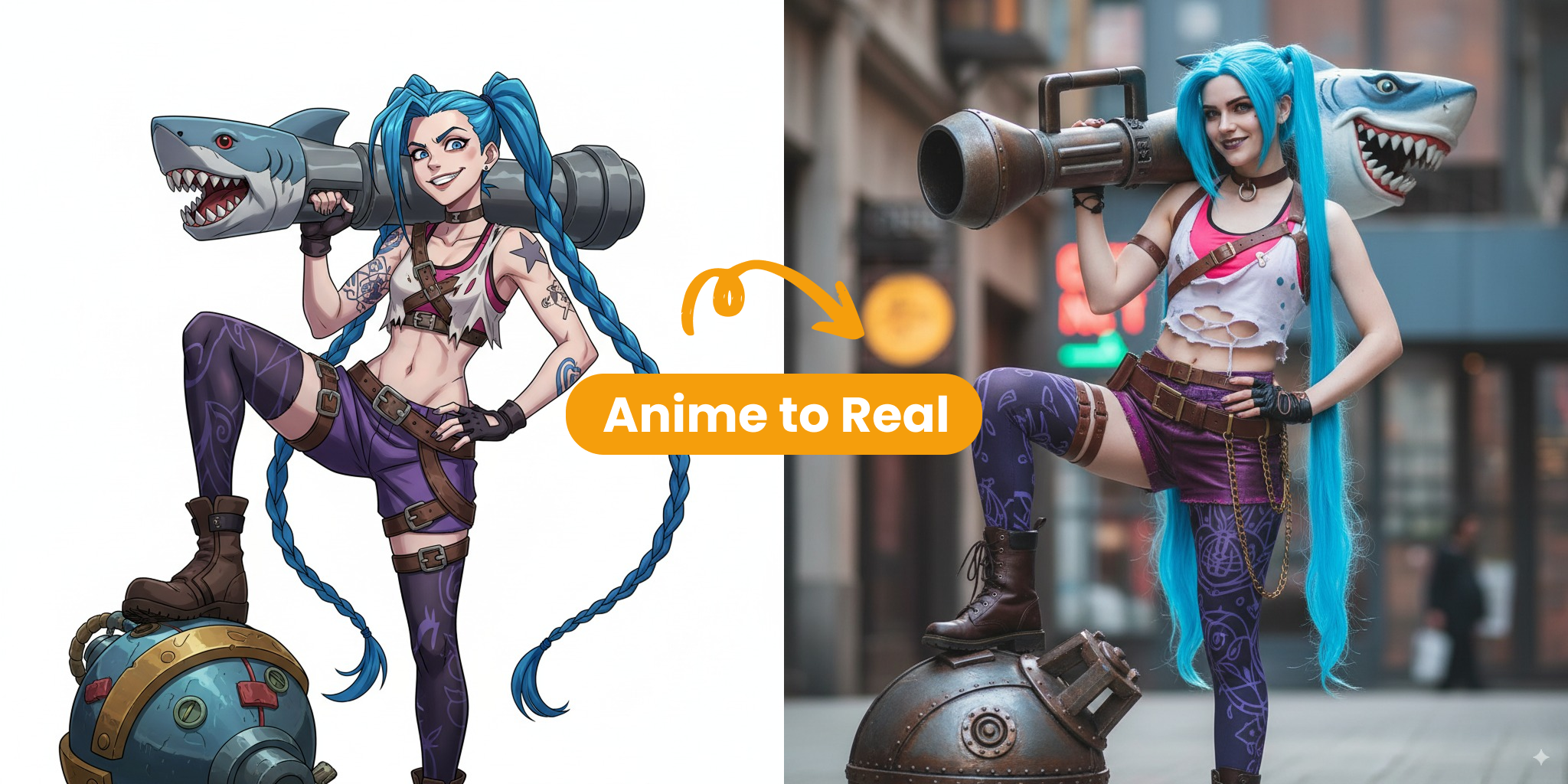
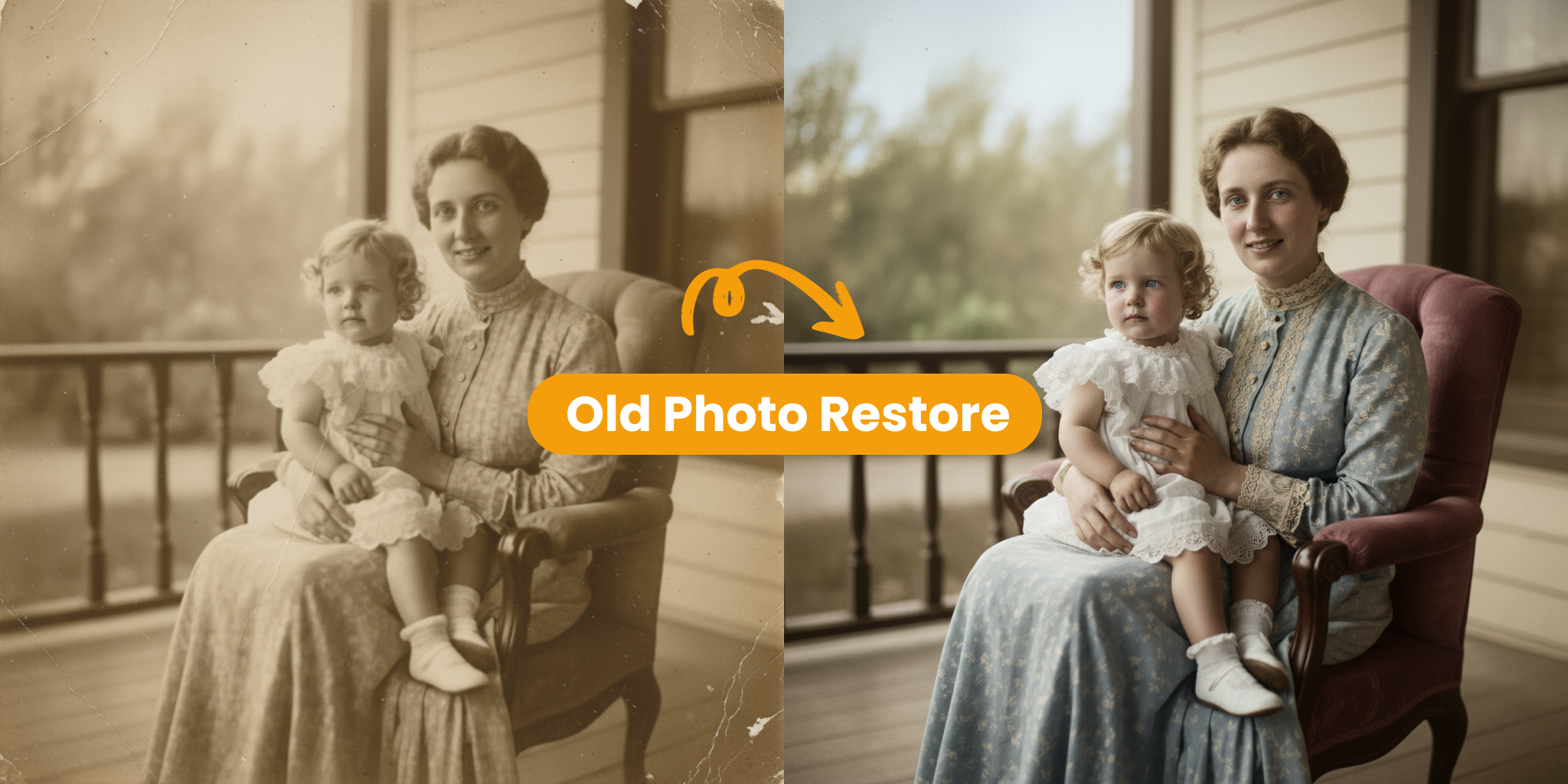
Key Features of Nano Banana 2
Nano Banana 2 uses advanced AI to make image editing easier, text-guided changes smarter, and final visuals more refined.
Smart Prompt Understanding
Nano Banana 2 interprets prompt instructions with strong accuracy, helping the edit stay aligned with your original idea.
Realistic Style Transformations
Shift between photographic looks and illustrated styles without losing clarity, even when the visual direction changes dramatically.
Great Scene Preservation
Hold onto the source image's composition, lighting, and atmosphere while applying edits that still feel believable.
Consistent Character Editing
Keep characters visually stable across repeated edits, making it easier to build narratives and recurring scenes.
Reliable Multi-Character Adjustments
Adjust several people within a single image while keeping proportions, expressions, and overall balance in sync.
High-Resolution Rendering
Produce sharp, detailed image outputs ready for commercial deliverables, production assets, and digital artwork.
How Nano Banana 2 Edits Your Images
See how the latest generation of AI-assisted editing can simplify and elevate your creative process.
Type Your Commands
Enter edits in natural language and Nano Banana 2 translates those instructions into image changes with precision.
Blend Scenes Naturally
The model folds your edits into the existing background smoothly while preserving important character details.
Enjoy Perfect Results
Get polished, high-quality images with fewer retries, saving time and reducing manual cleanup.
Who Uses Nano Banana 2
See how different professionals apply this AI workflow to move creative projects forward more efficiently.
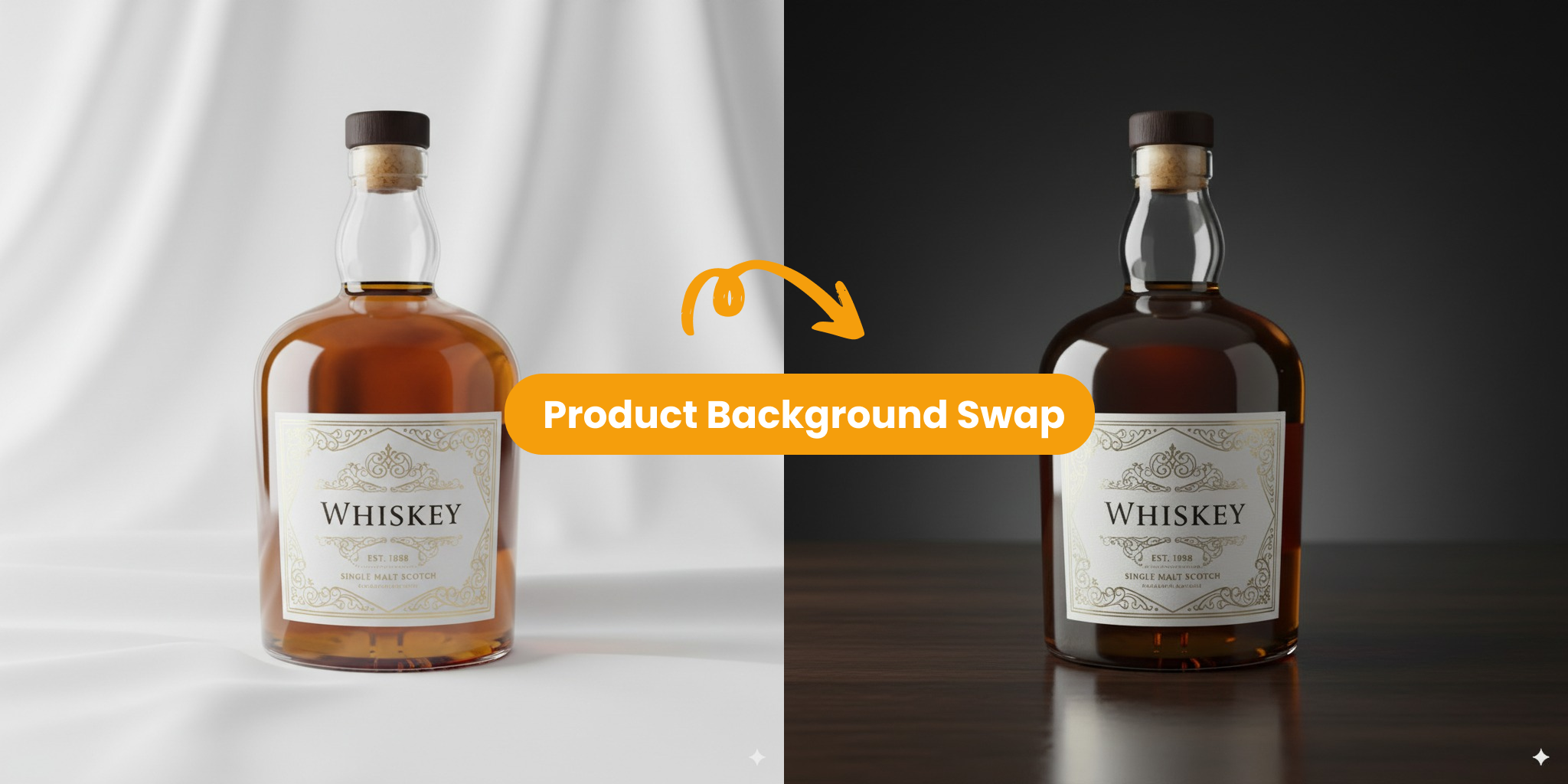
Fast Content Creation
Build strong social visuals quickly. Nano Banana 2 lets you guide precise image edits with short, simple text instructions.
- Reach polished edits without repeated retries
- Keep recurring character faces aligned across story sequences
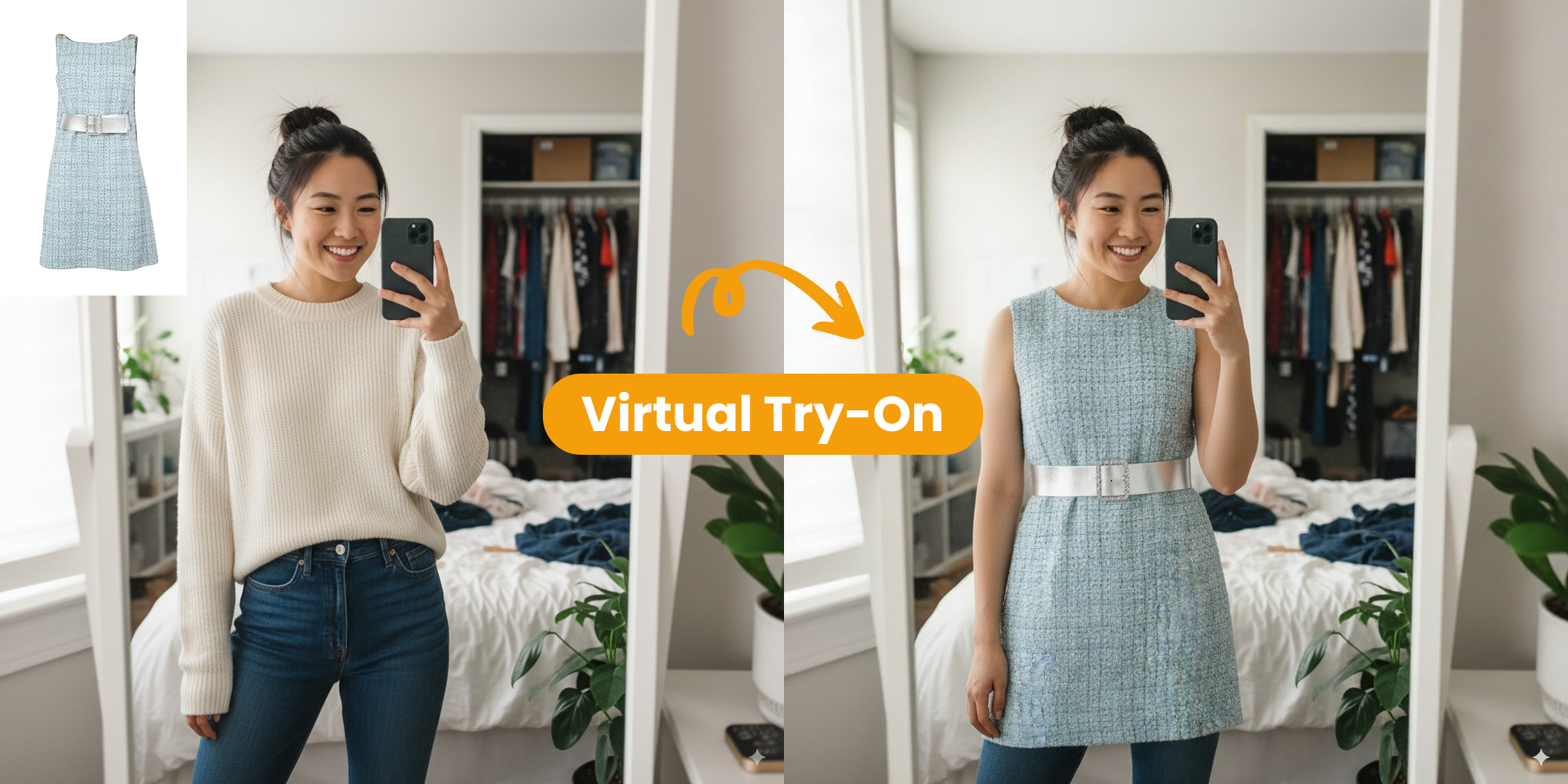
High-Resolution Image Rendering
Generate detailed, sharp, and production-ready visuals that help teams deliver stronger assets for marketing work.
- Integrate new edits cleanly with existing backgrounds
- Deliver high-resolution outputs ready for professional deployment
Nano Banana 2 in Action
Explore how this AI workflow speeds up production and helps deliver polished visual results.
Style Options
Unlimited
Move between photographic and artistic looks with ease while keeping the image cohesive and natural.
Edit Speed
Instant
Create strong edits quickly, with less iteration and less effort spent chasing a usable result.
Character Match
100%
Preserve the same face, features, and identity markers across every variation you produce.
Why Creators Choose Nano Banana 2
Hear how professionals use this AI image editing workflow to make faster, cleaner, and more controlled creative changes.
David C.
Content Creator
The rendering quality stands out. Nano Banana 2 consistently gives me crisp, production-ready visuals that raise the level of every project.
Rachel K.
Game Designer
Character consistency is one of its best strengths. My game characters now stay on-model across every scene I create.
Marcus T.
Digital Artist
Its prompt-based editing feels incredibly smooth. I can type a simple request and get a strong result almost immediately.
Sofia G.
Audiobook Producer
Consistent, high-resolution frames across long video sequences cut hours from our editing time every week.
James W.
EdTech Director
Compelling multilingual visuals make our lessons more engaging and help us reach students in more markets.
Anna Z.
VA Developer
Accurate character renders let us bring our virtual assistants to life far faster than before.
Nano Banana 2 FAQ
Find out how Nano Banana 2 supports faster creative workflows through intelligent image editing and high-quality output.
How does text-based editing work in Nano Banana 2?
You can describe the change in everyday language, and the AI interprets that request to update your image in a professional-looking way.
Can I keep the same character in different edits?
Yes. Nano Banana 2 is designed to preserve character consistency, keeping facial features and defining details stable across multiple projects and scenes.
Will the background look natural after editing?
Yes. Nano Banana 2 blends edits into the original lighting and environment smoothly, which helps the final result look natural rather than pasted in.
Are the edited images suitable for professional use?
Yes. Nano Banana 2 produces high-resolution renders that are sharp, detailed, and suitable for marketing assets, production design, and digital art work.
Does it support different artistic styles?
Yes. Whether you want a photographic look or a more illustrated style, Nano Banana 2 can shift the visual treatment while keeping the image clear and readable.
Can I edit multiple people in one picture?
Yes. It can handle edits involving multiple people while keeping proportions, expressions, and visual balance consistent across the image.